



Single Sign-On (SSO)
Learn how Single Sign-On (SSO) lets your team sign in to Lucidya with their work account, how to log in, and how to set it up for your company.
Overview
Single Sign-On (SSO) lets your team sign in to Lucidya with the work account they already use, through your company's enterprise identity provider. There is no separate Lucidya password to create, reset, or forget, and you control who gets access.
For example, a user already signed in to their Microsoft work account clicks Login with SSO and goes straight into Lucidya.
How to Log In with SSO
Once SSO is enabled for your company:
Step 1 – Click Login with SSO
On the Lucidya sign-in page, click Login with SSO.
Step 2 – Enter Your Organization Name
Enter your company's organization name. Your admin will share it with you.
Step 3 – Sign In with Your Work Account
You'll be taken to your company's login page. Sign in with your work account, as you normally do.
Step 4 – Return to Lucidya
You'll return to Lucidya, signed in.
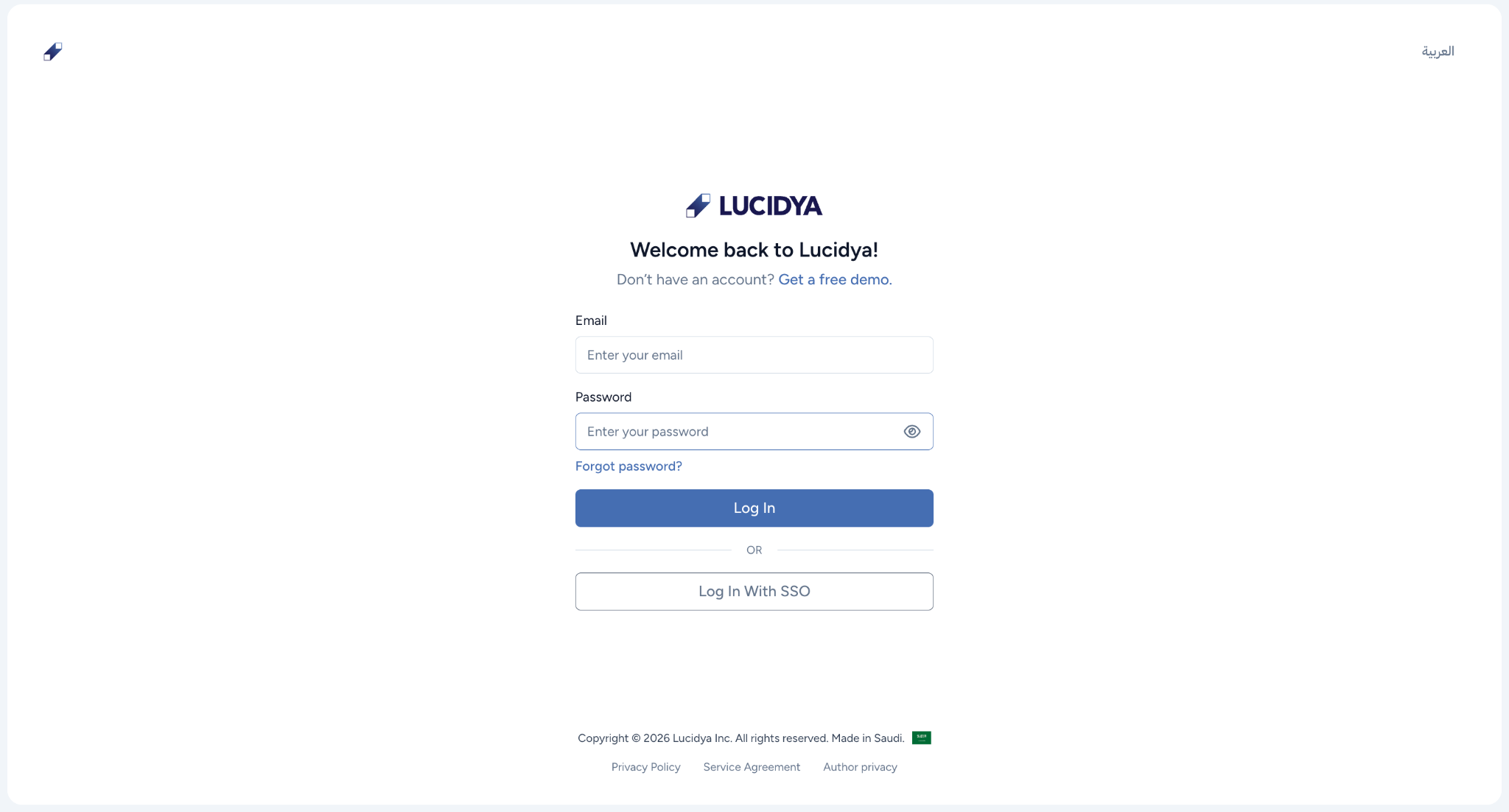
Benefits of SSO
- One login: Users sign in with their corporate account, using your own MFA, password, and device policies.
- Access control: Add or remove people in your own directory. No request to Lucidya is needed.
- Credentials stay confidential: Passwords are never sent to Lucidya. Lucidya only receives a signed confirmation of who the individual is and which groups they belong to.
How to Get SSO for Your Company
Lucidya sets up SSO for each company on request. To get started, contact your Customer Success team. They will walk your IT team through the setup.
For further assistance contact Lucidya Support.
Frequently asked questions
No. Users sign in with their work account through your company's identity provider, so there is no Lucidya password to create, reset, or forget.
Your admin will share it with you. Contact them if you don't have it.
Remove the user from your company's directory. No request to Lucidya is needed.