



Emotion Analysis
See the emotion behind posts in your monitors, not just their sentiment.
Emotion Analysis is now available in Social Listening. Beyond seeing whether a post is positive, negative, or neutral, you can see the emotion behind it, so you can tell frustration apart from sadness, or delight from simple approval.
What you can do
- Filter by emotion: Narrow your monitor pages to posts with one or more emotions.
- See emotion on each post: Every post card shows its detected emotion.
- Edit an emotion: You can change a post’s emotion from the post card to better fit your brand’s context. The post’s sentiment updates to match.
- Track emotions on your monitor: Three widgets show how emotions break down and change over time:
- Engagements Emotion: The percentage and count of each emotion, and its trend over time
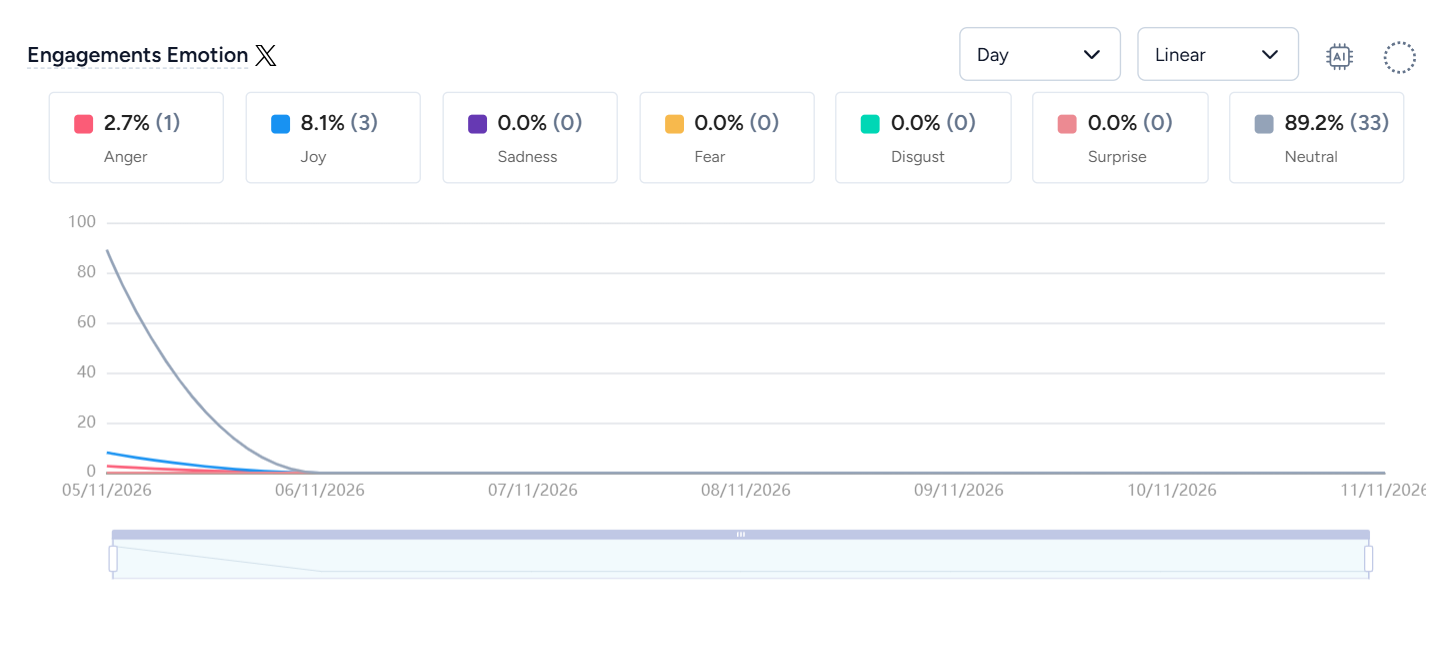
- Emotion Distribution: The share and total of each emotion for the selected period
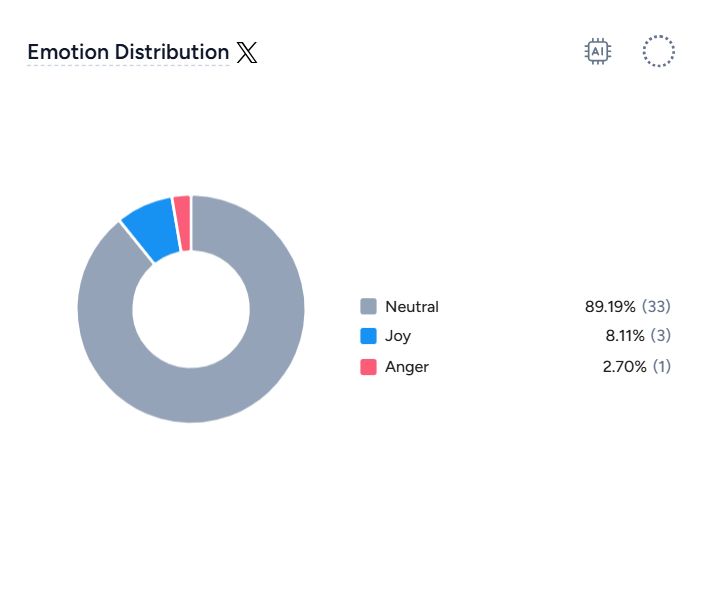
- Engagements Sentiment / Emotion Trend: Emotions over time, grouped by positive, neutral, and negative sentiment
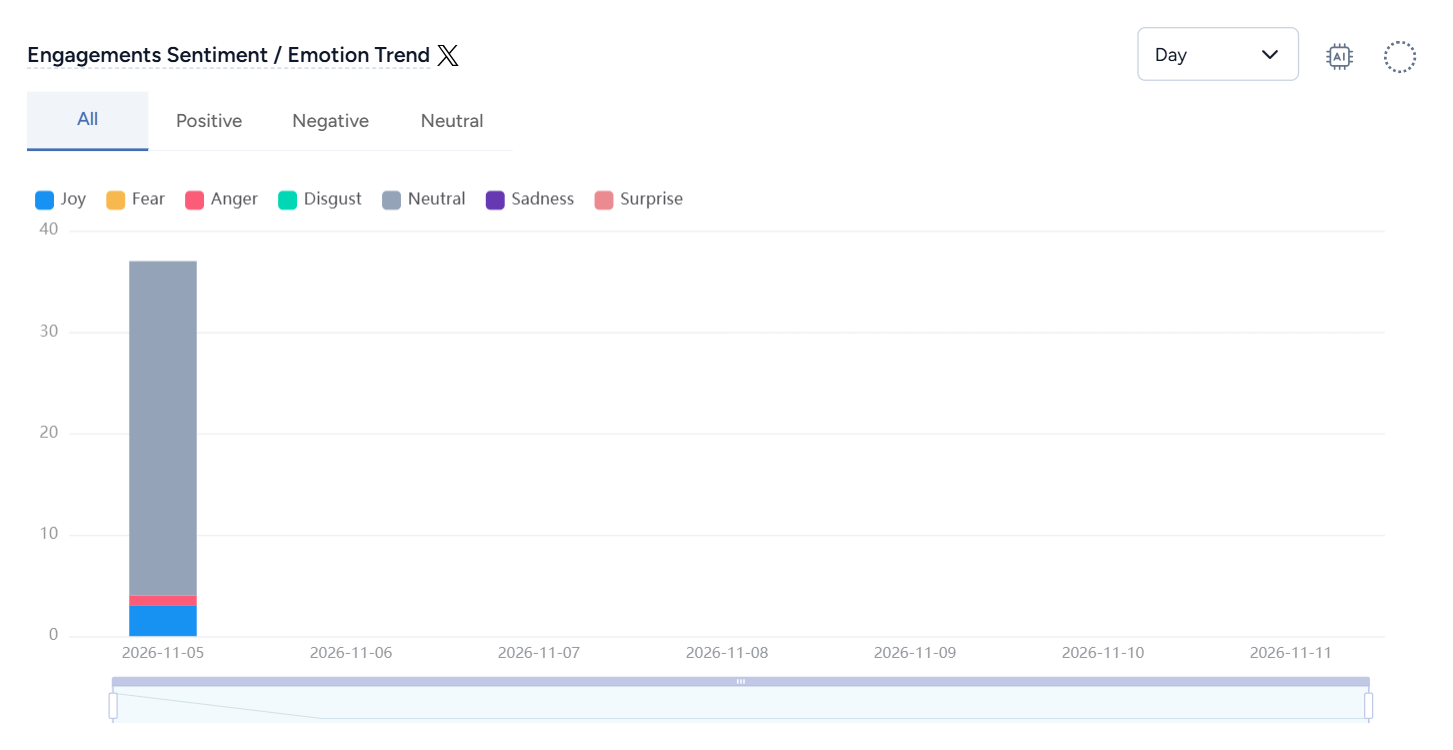
- Export emotions: Emotion labels are included in PPT, XLS, PNG, PDF.
Supported emotions
Anger, Joy, Sadness, Fear, Disgust, Surprise, and Neutral.
How emotion links to sentiment
- Joy and Surprise count as positive
- Anger, Sadness, Fear, and Disgust count as negative
- Neutral counts as neutral
Where to find this feature
Emotion analysis is available for X in:
- Keyword monitors
- Public account monitors
For further assistance, contact Lucidya Support.
Frequently asked questions
X keyword monitors and X public account monitors.
The sentiment updates automatically to match the new emotion. For example, changing a post from Joy to Anger changes its sentiment from positive to negative.
No. Emotion Analysis works automatically on your X monitors.